
Built for crews & the back office
Run jobs with clarity — from the field to finance.
Log hours and production on your phone. The office sees portfolio health, every project’s labor and spend, and who’s on site — in English or Spanish.
Field + officeRoles & permissionsBilingualInstallable app



Features
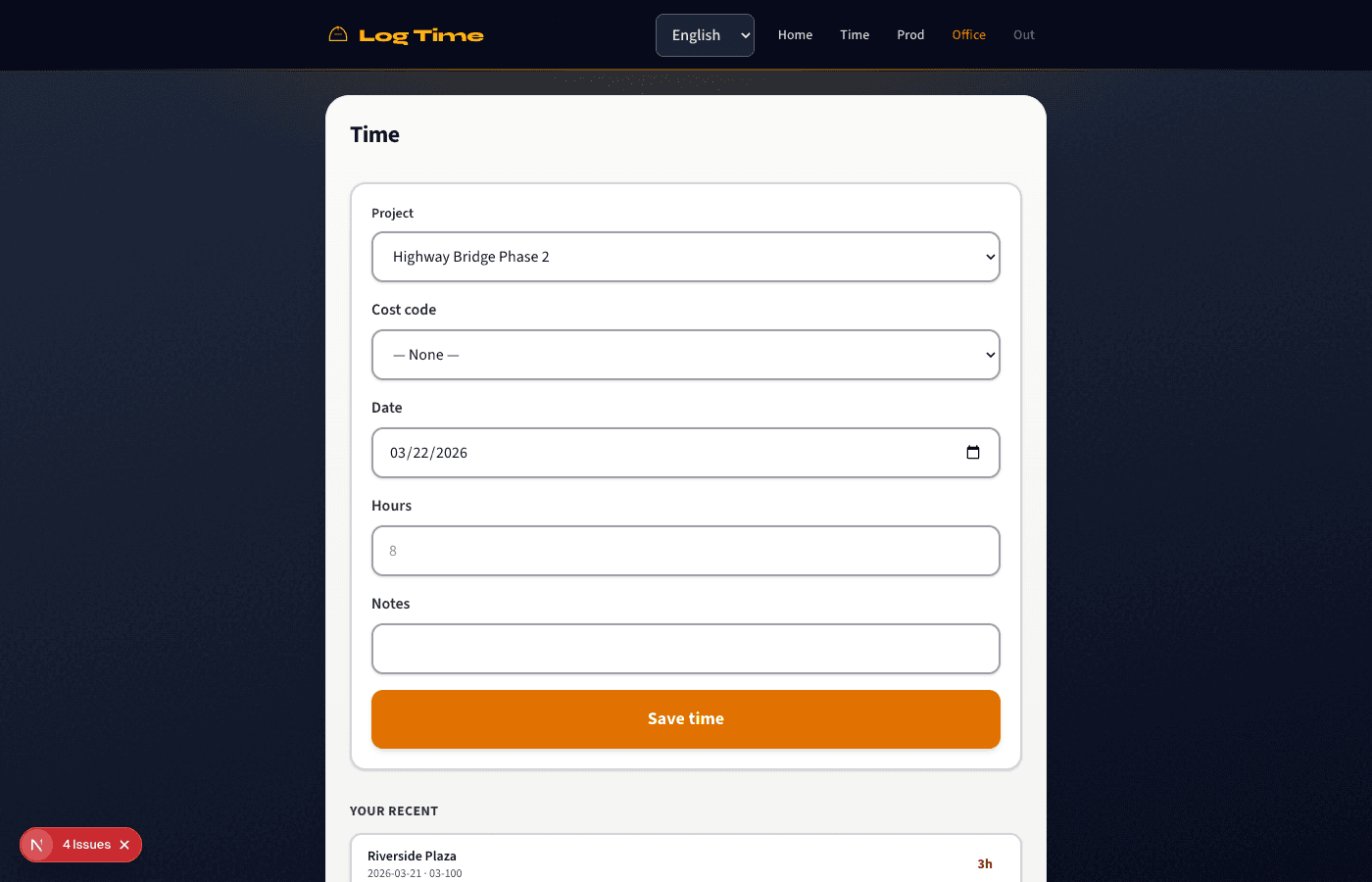
Field: time & production
Mobile-first screens for the job site.
- Log hours by project, date, and optional cost code.
- Record production quantities with units (SF, LF, CY, EA…).
- Crew-friendly navigation; office staff can jump to Admin from the same login.
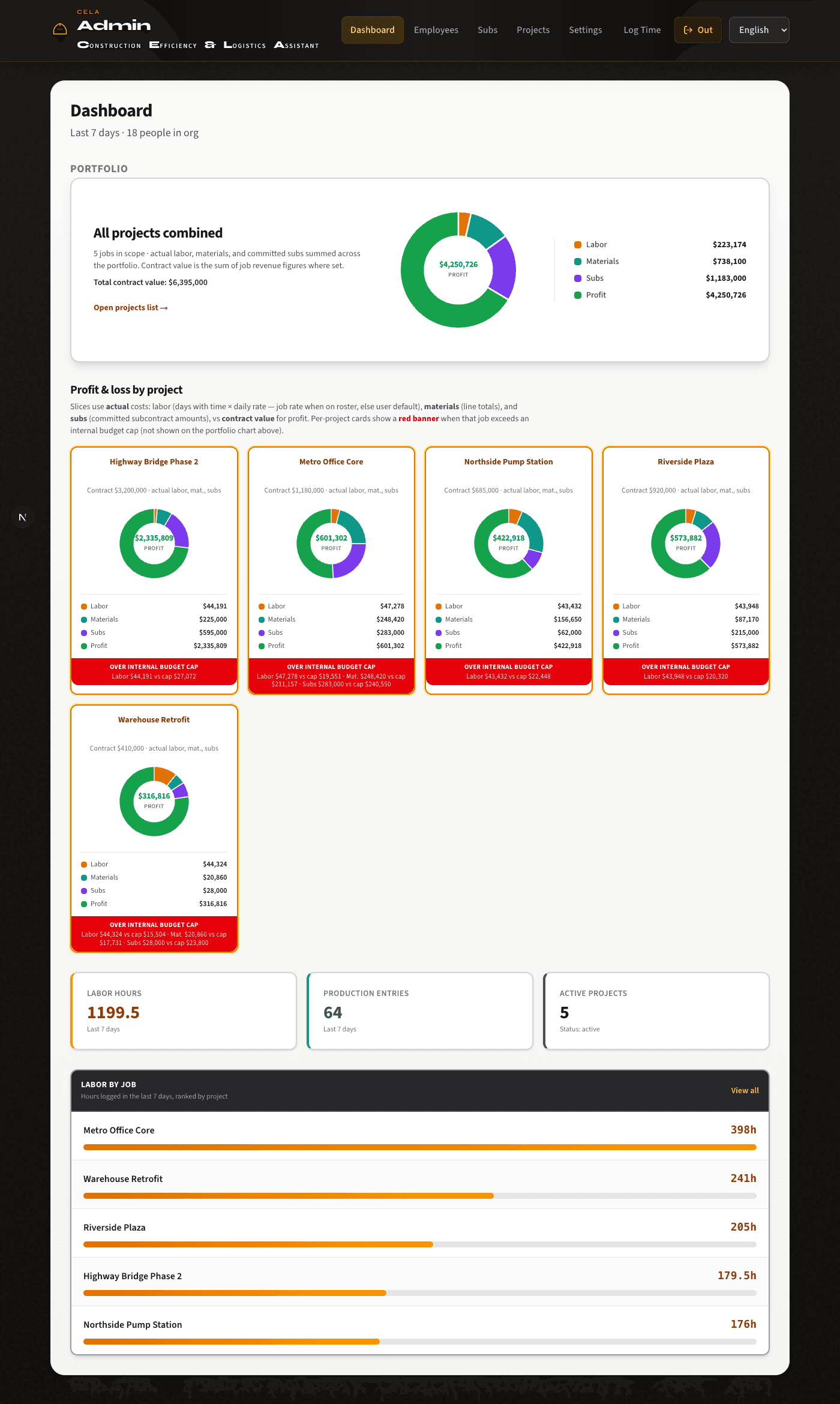
Admin dashboard & portfolio
One glance at how the whole company is performing.
- Portfolio P&L-style view: labor, materials, committed subs, and contract value where set.
- Per-project cards with budget caps and over-cap callouts.
- Last 7 days: total hours, production entry count, active jobs — plus labor hours ranked by project.
Deep project pages
Everything about a job in one place.
Includes
- Status, cover image, address, site POC, assigned foreman, cost codes.
- Labor calendar: spend and hours heatmapped by day; jump to any day’s crew board.
- Crew roster & hours for the selected day; add roster members; edit past days when allowed.
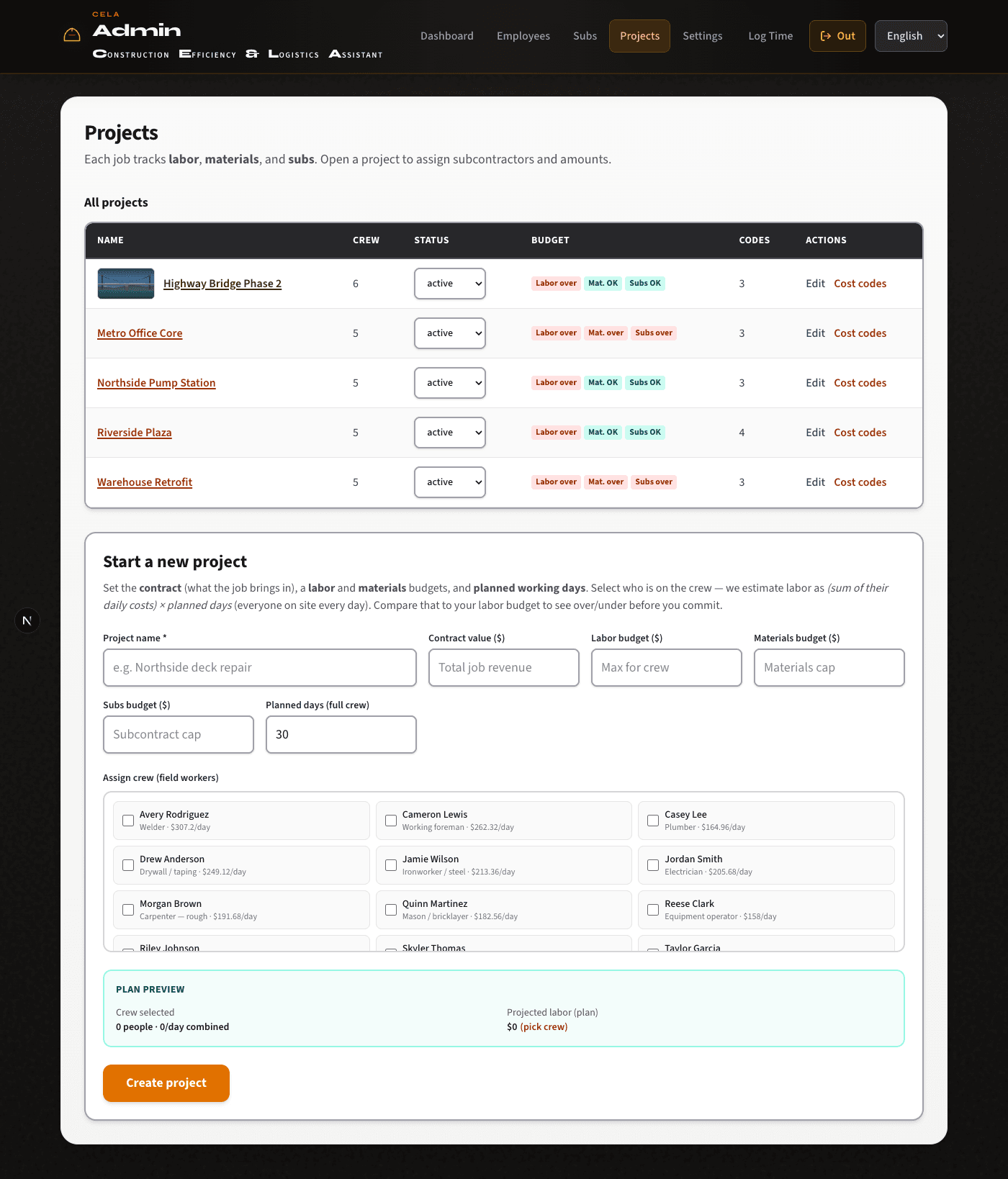
- Plan & financials: contract value, labor / materials / subs budgets, margin, projected labor from crew × planned days.
- Materials lines, committed subcontractors, crew with per-job rate overrides and assignment moves.
- Billing payments, change orders, weekly subcontractor pay tracking, and job cost detail for materials, fuel, equipment, and other costs.
Employees & subs
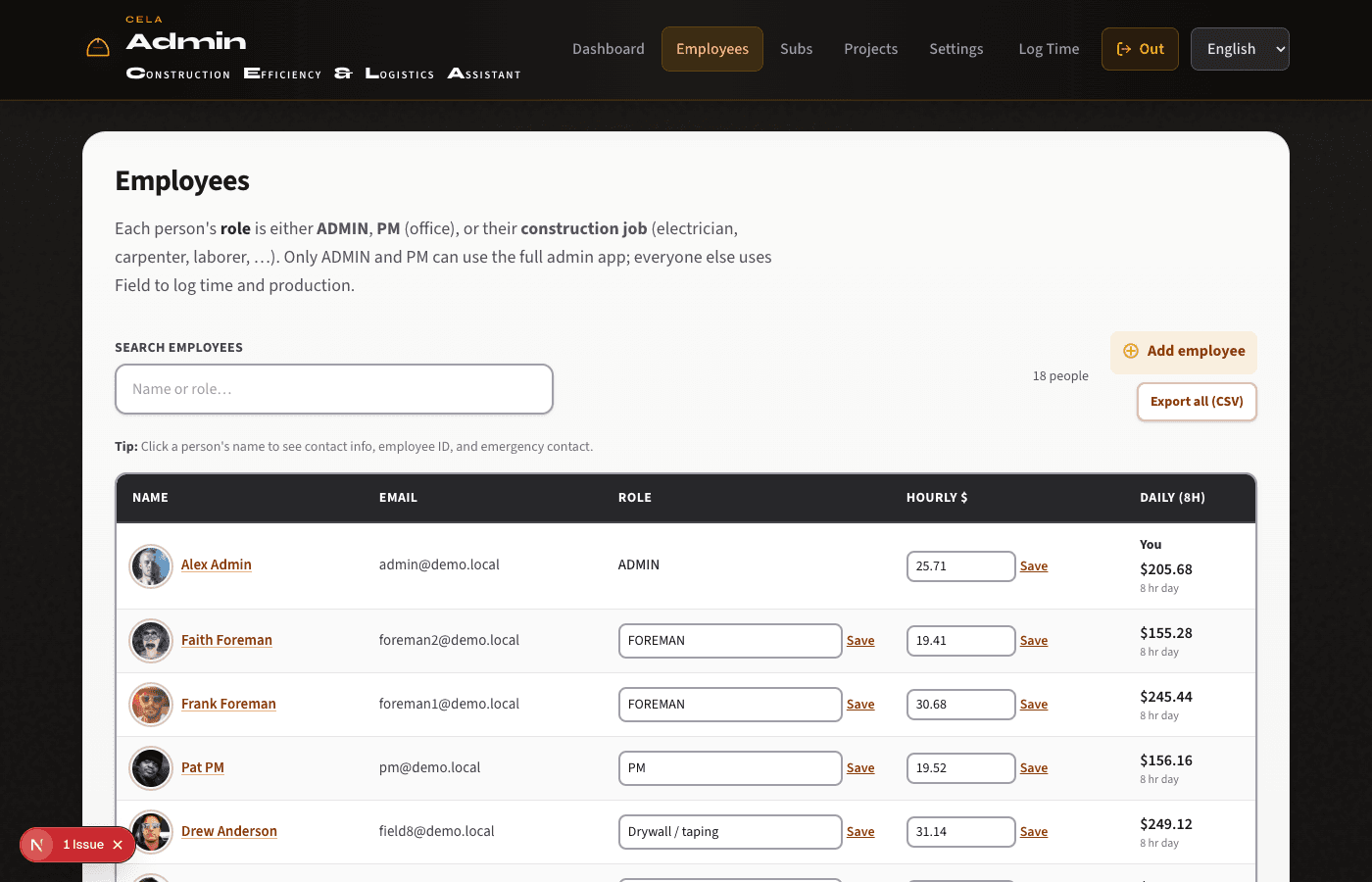
People and vendors, organized.
- Employee directory with roles, trades, daily rates, contact, employee ID, emergency contacts; add-employee flow.
- Employee documents plus bonus and loan tracking alongside CSV export for payroll or HR tools.
- Subcontractor directory plus per-project scope, contract amount, and notes.
Review, export, settings
Close the loop for admins.
- Time, production, bid, payroll, and overhead review screens across the org with filters-friendly layouts.
- CSV exports for employees, time, production, bids, projects, and financial reporting.
- Organization settings: name, time zone, default currency, fiscal year month, plan/seat hints, and billing portal entry points.
- Platform console for operators: manage customers, plans, seat limits, universal access, password resets, and server health.

Language, access & PWA
Works the way modern teams expect.
- Full English and Spanish UI via locale switcher.
- Role-based access: e.g. Admin/PM office tools; Foreman scoped to their projects; field roles for logging.
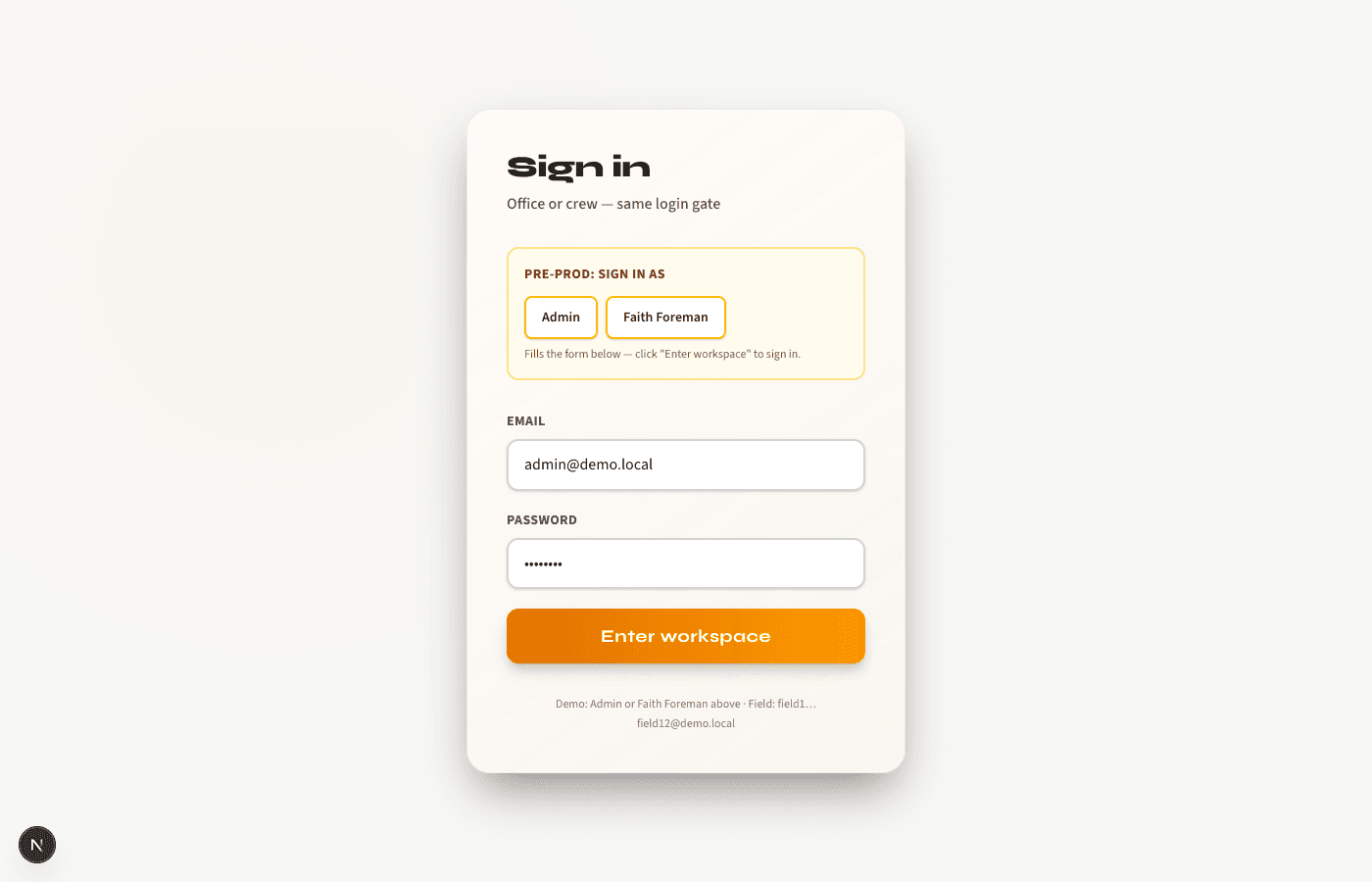
- Invite-set-password onboarding, secure password reset, and one login flow for office, field, and platform users.
- Progressive Web App: add to Home Screen, offline fallback page, smart launch URL for installs, Android-style install where supported.